
Field Tested №03 · Case study · October 2026Alameda and San Leandro, CA
Battle By the Bay 2026: the host’s own sheet, one code, and the scoreboard console.
Encinal High School’s girls varsity tournament. Fifteen schools, 29 games, two pool decks, two days. The schedule came straight off the spreadsheet the host already used, and on Saturday Eggbeater Desk ran connected to the pool’s Colorado Time Systems System 6 console, the first time it had read one at a real pool.
- Encinal High School
- Encinal HS and San Leandro HS
- October 2 and 3, 2026
- By Eggbeater Water Polo

By the numbers
29
games on the host’s schedule, across two pool decks and two days. Every one of them was published to one public page, under one code.
- Schools
- 15
- Venues · Encinal HS and San Leandro HS
- 2
- Days · October 2 and 3
- 2
- Friday pools, seeding Saturday’s brackets
- 4
- Goal to phone, when a game is scored on Eggbeater
- About 5 s
- First console read at a real pool
- Oct 3, 2026
On October 2 and 3, 2026, Encinal High School hosted Battle By the Bay, its girls varsity water polo tournament, on two pool decks: Encinal High School in Alameda and San Leandro High School in San Leandro, California. Fifteen schools played 29 scheduled games. Four pools on Friday seeded Saturday’s brackets. Alameda won the championship game, 12 to 3 over Liberty. Washington took third place, 8 to 7 over Encinal.
Final standings
The top four
- 1stAlamedaChampion. Alameda 12, Liberty 3.
- 2ndLibertyRunner-up.
- 3rdWashingtonWashington 8, Encinal 7.
- 4thEncinalThe host school.
Straight off the host’s own sheet.
The host kept running the tournament from the schedule spreadsheet it already used. Eggbeater read that sheet and published every game, start time and cap color to one public page and one code: BATTLE.
As the host edited the sheet through the weekend, Eggbeater read it again. The page and the app followed each result within seconds of the host posting it.
The tournament code
BATTLE
One code for the whole event: every game, both decks, both days.
The desk reads the scoreboard console.
On Saturday, October 3, at the Encinal pool, Eggbeater Desk read a Colorado Time Systems System 6 console for the first time at a real pool. It was connected and running for the second day of the tournament.
The game clock, the period, the shot clock and the score came off the console’s Scoreboard jack through a USB serial adapter, at 9600 baud (the console’s FAST setting). The cable has a pass-through, so the pool’s own scoreboard stayed connected.
Goals and exclusions arrive by cap number, as prompts for the scorer to confirm. The shot clock now reaches spectators’ phones.
The integration shipped that night: the announcement and the setup guide.
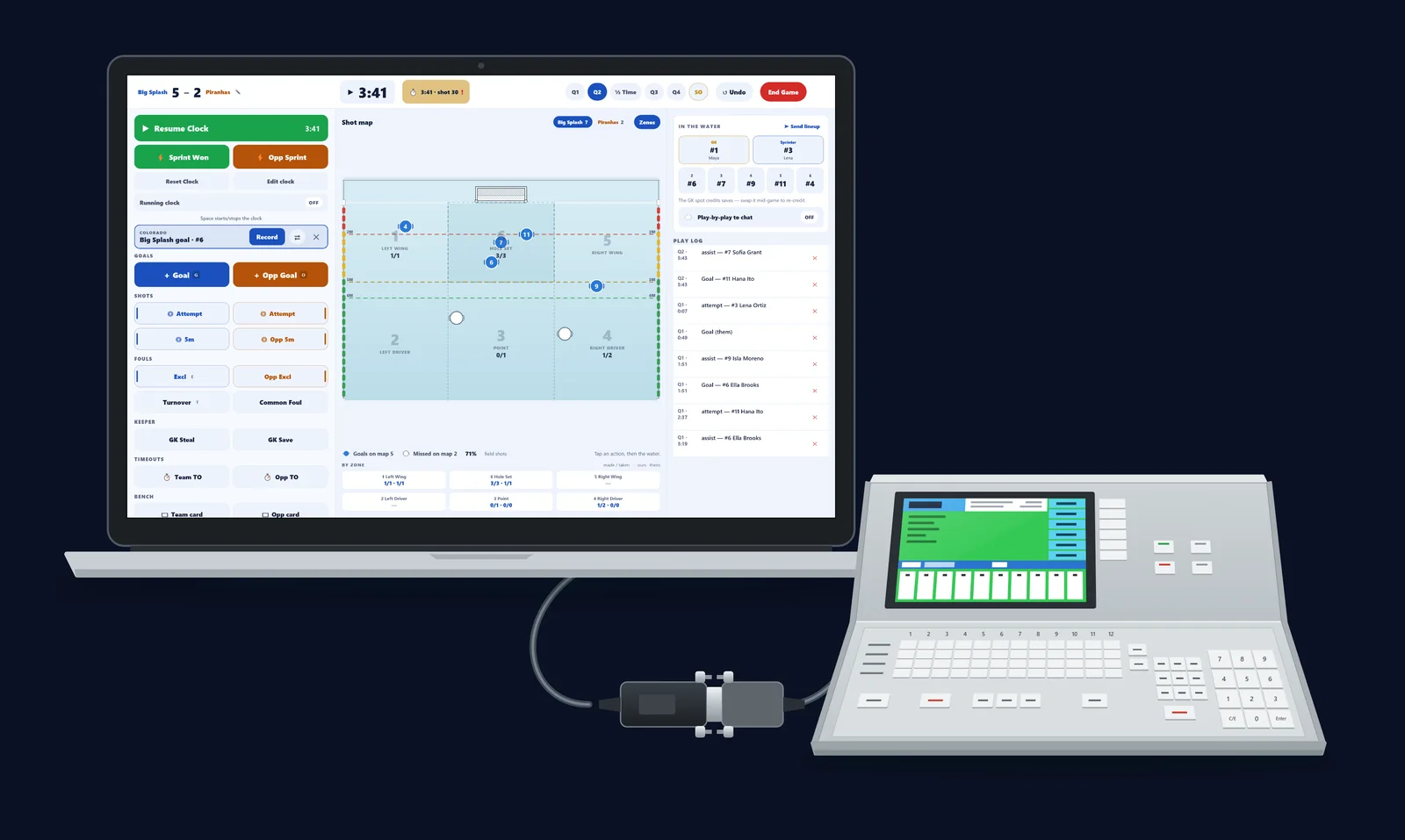
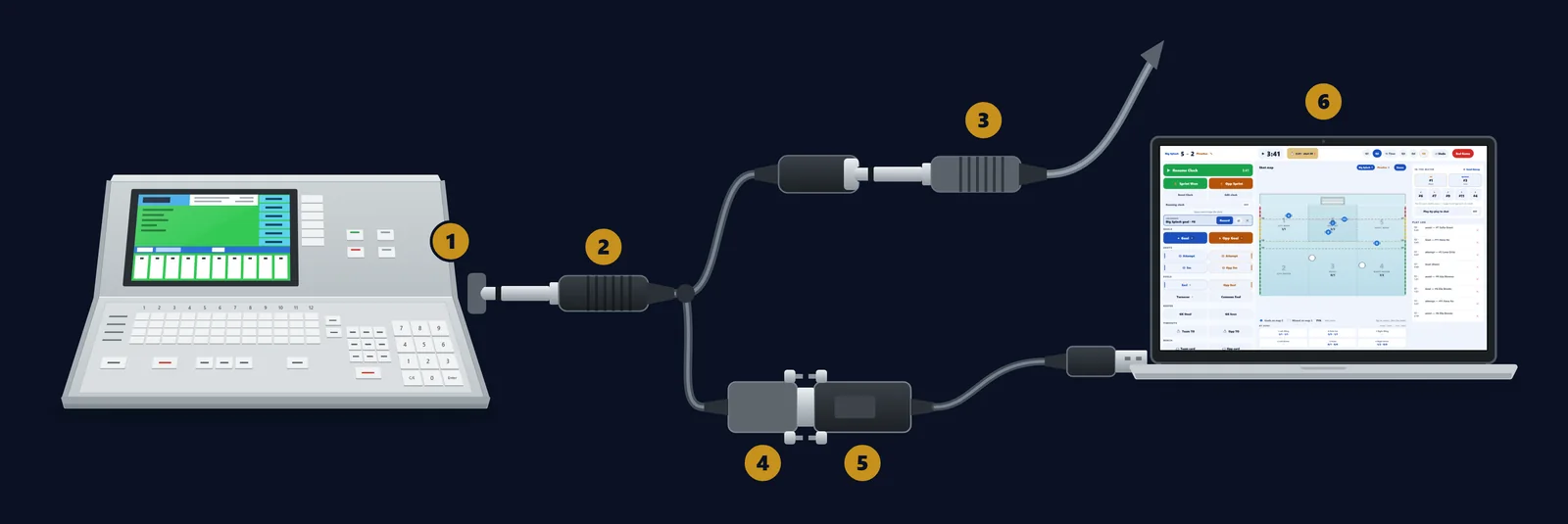
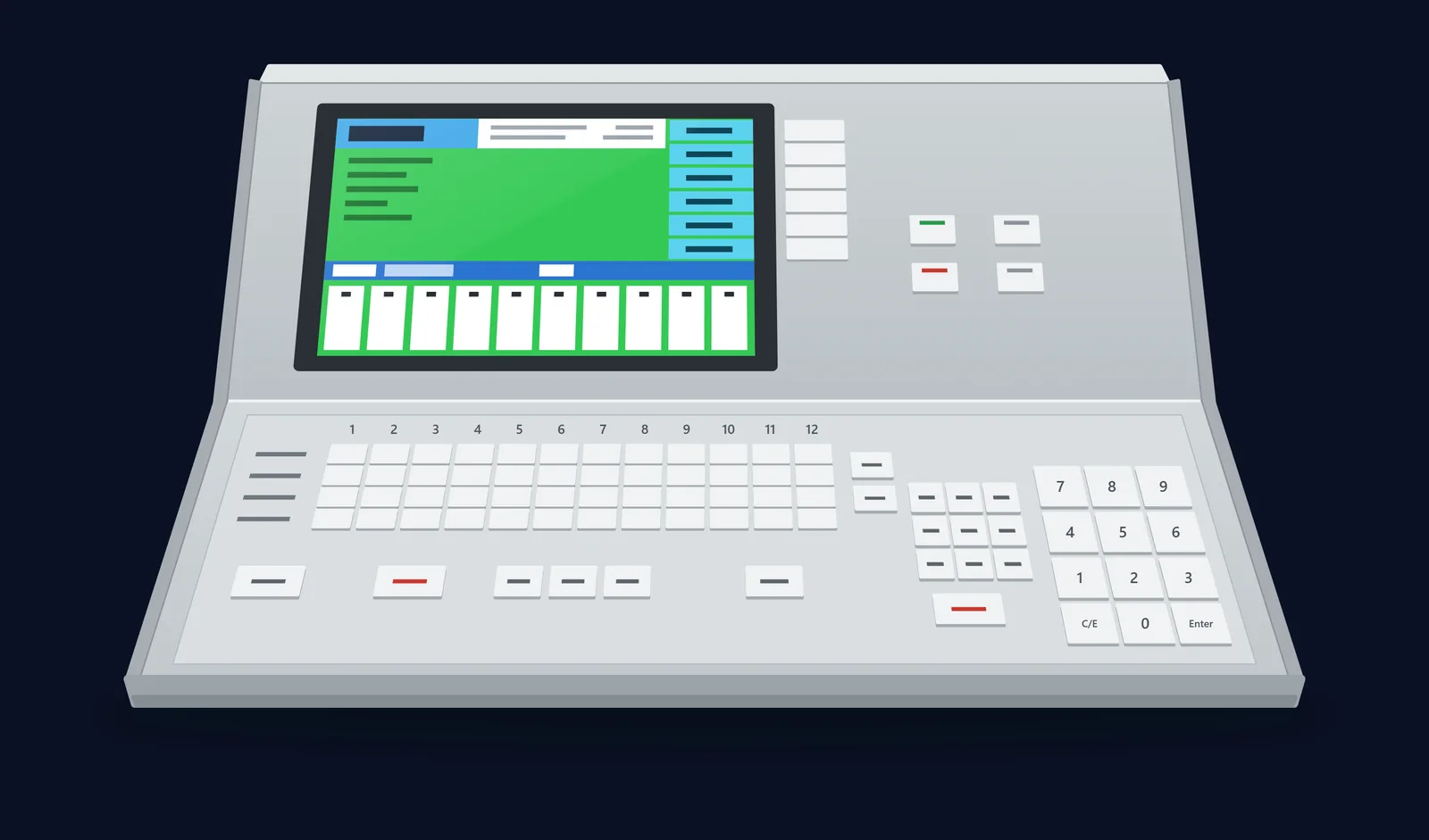
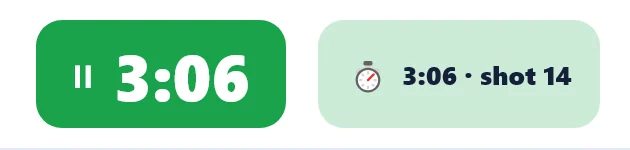
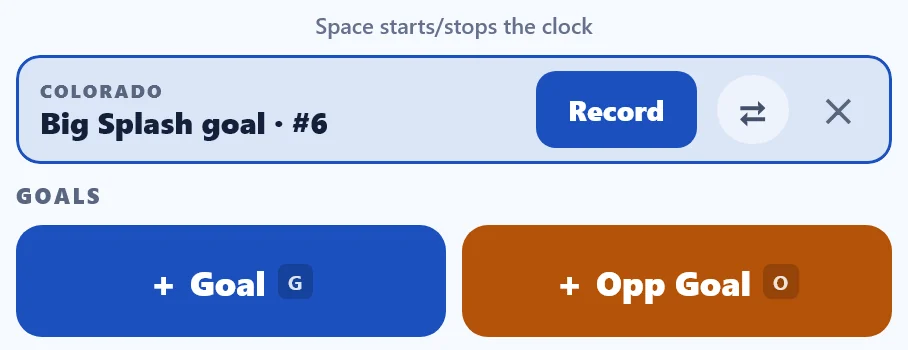
The pictures in this chapter are the setup guide’s own figures. They are not photographs from the tournament.
What spectators saw.
A · The event page
One public page
Pools, brackets, both decks’ schedules and the final standings, on a page anyone can open.
B · School pages
Linked from each season
School season pages on Eggbeater link to the event page.
C · On phones
About five seconds
When a game is scored on Eggbeater, the live score reaches phones in about five seconds.
What it took.
The short list.
- One share code.
- The host’s existing schedule sheet.
- A laptop or tablet running Eggbeater Desk at the table.
- For the console: a USB serial adapter and a quarter-inch cable. Console reading runs on a Windows PC or a Mac.
Hosting a tournament this season?
Put your event on one page and one code, connect the console at your pool, or start with your school’s own page.
Field Tested · case studies from real tournaments
Battle By the Bay 2026 · Alameda and San Leandro, California · October 2026.
Written by Eggbeater Water Polo. Schedule from the tournament host. Results from the tournament feed.
Colorado Time Systems and System 6 are trademarks of their owner. Eggbeater is not affiliated with or endorsed by Colorado Time Systems.