- Open the team code link, or a fan link a family sent you.
- Under Who are you?, tap Follow as a fan. A family's fan link goes straight to Follow the team.
- Tap Follow the team. The team appears under Teams you follow.
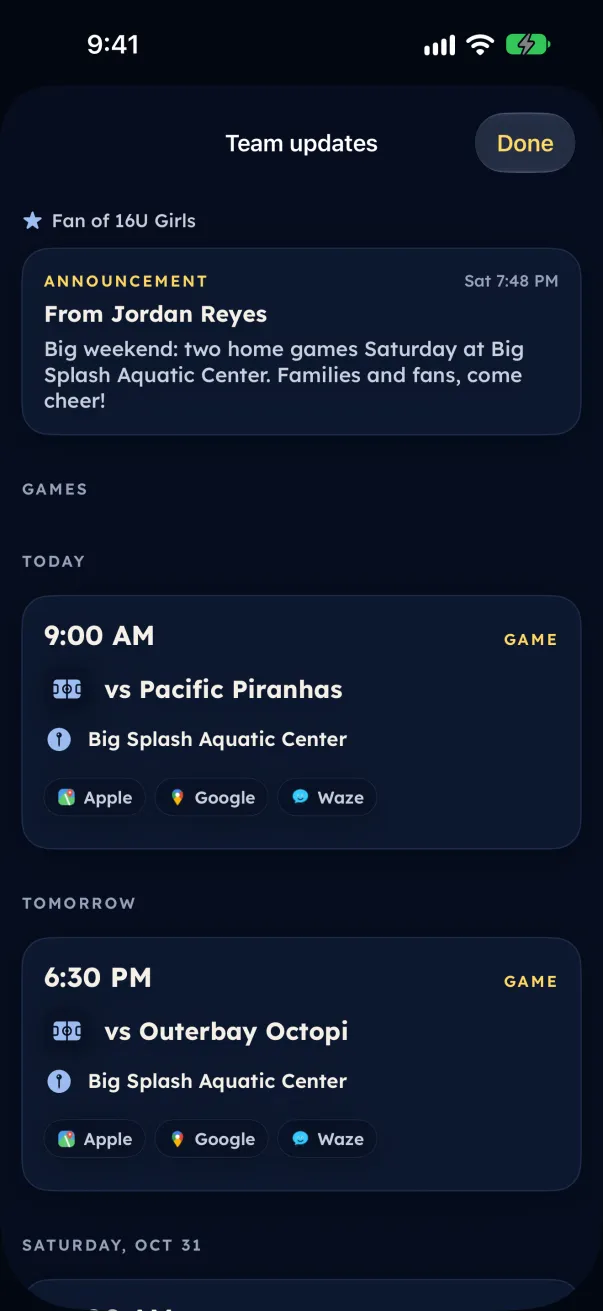
Fans see the team's games, results and Team updates: the coach posts marked to share with fans. Chat, practice times, practice places and replies are for players and families.
Parents and guardians: invite family and friends
- Open the team (on Android and the web, tap your initials at the top of the screen, then the team).
- Under Invite family and friends, tap Get the fan link, then Share the fan link.
- The link works until the date shown. Tap Stop sharing to turn it off, or New link for a fresh one.