Before your first game
You do not build anything. Send us four things, we set the program up, and you get a link. You can start in the middle of a season too. Backfilling a game that has already been played takes a few minutes each.
The four things to send us
This is the whole intake. Send it however it already exists. We would rather transcribe a photo of a printed schedule than have you retype it.
- Your school, and which squads you want set up (varsity, JV, boys, girls)
- Your schedule: a link, a PDF, a spreadsheet, or a photo of a printout
- Your rosters, if you have them handy. Cap numbers and names is enough
- Who is actually at the desk on game night, and what device they will use
What one volunteer at the desk produces
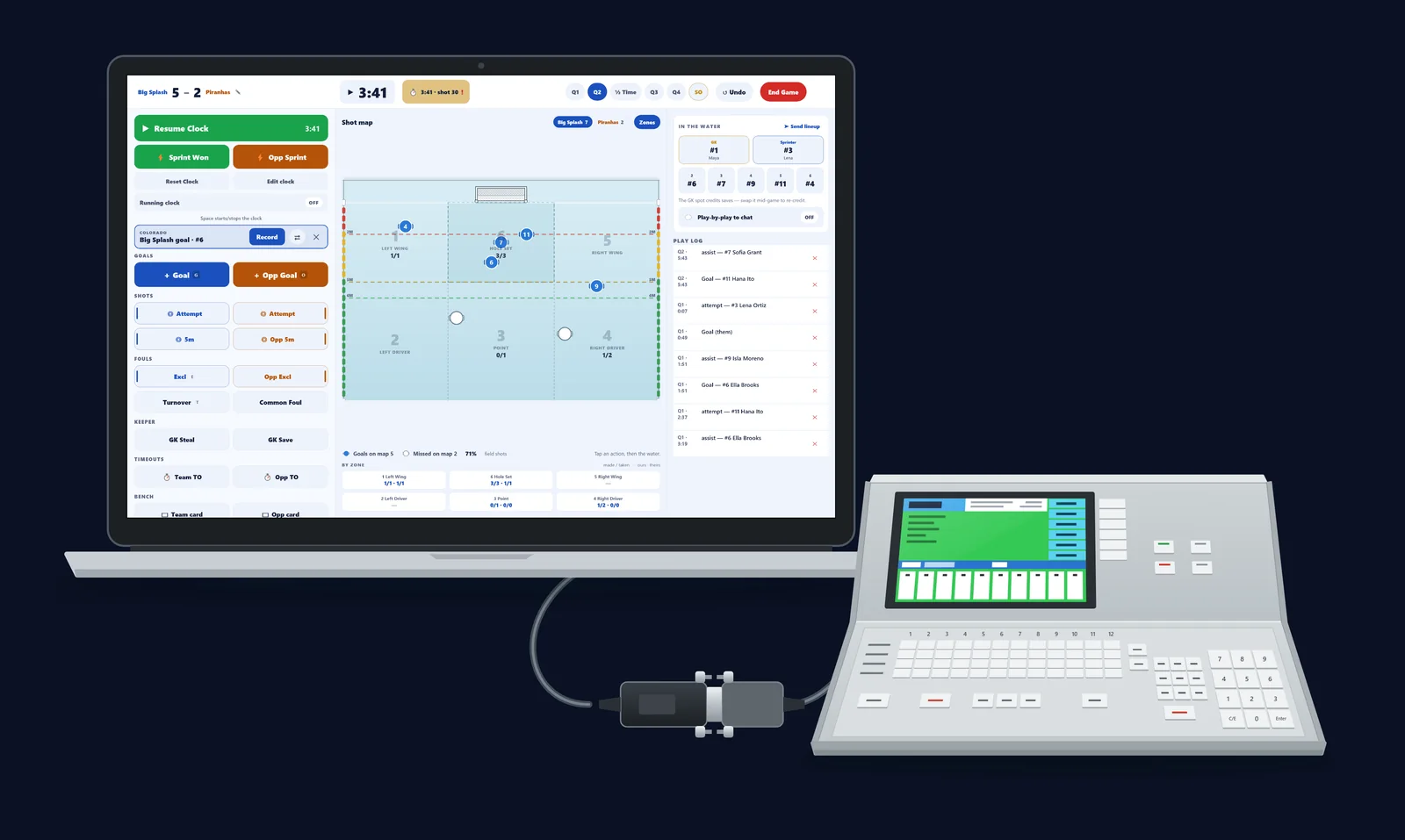
Worth knowing before you brief anyone, because it sets expectations for what the desk is responsible for. One person scores the game on a phone or tablet. Everything else follows from that single stream of taps, with no second job attached to it.
- Live score, visible to anyone following your team in about five seconds
- Box score, exclusions and shot detail: as much or as little as your desk wants to enter
- Season records and standings that update themselves, including ties
- A coaches report in your school’s colors that you can print or email
Your invite link, and who should open it
We send one invite link per person who needs to administer the program. Open it at admin.eggbeater.app and it binds to the account you sign in with, so it is worth being deliberate about who clicks it.
- The link is single-use and binds to the first account that opens it
- Do not forward it. Ask us for a second invite instead. They are free
- Anyone can be an admin: the head coach, an assistant, a team volunteer who runs logistics
- Losing the link is not a problem. Ask and we will send another.
The rules are already set for NFHS
You should not have to configure a rulebook. High school play is the default, and the parts that most often get scored wrong are already handled.
- Quarters or halves, whichever your section plays. The period labels follow your choice
- A 30-second shot clock
- Overtime is two three-minute periods, then sudden victory
- No shootout: a tie is a legal final result, and it counts properly in your record and the standings
What week one actually looks like
A realistic timeline, assuming you send the intake on a Monday and play on a Thursday.
- Monday: you send the four things above
- Tuesday: we set the program up and send your invite link
- Wednesday: your desk volunteer opens practice mode for ten minutes and scores a fake game
- Thursday: you score for real, and the spectators following see it live