
Made for iPhone Duo
The whole game, on two panels.
Open the Duo like a book and the schedule sits on one panel while the live game plays on the other. Stand it like a laptop and the scoreboard faces you while the scoring buttons lie flat. Nothing ever sits on the hinge.
- Games · a gamecast
- Scoring · a console
- Watch live · two panels
- Standings · Team · My Player
Try it
Fold it yourself.
A drawn iPhone Duo with the real app on its panels. Pick a posture, then a screen.
The postures
Three ways to hold it, three layouts.
The app reads where the fold is and splits there. Each half gets a panel of its own, so a card is never cut in two.
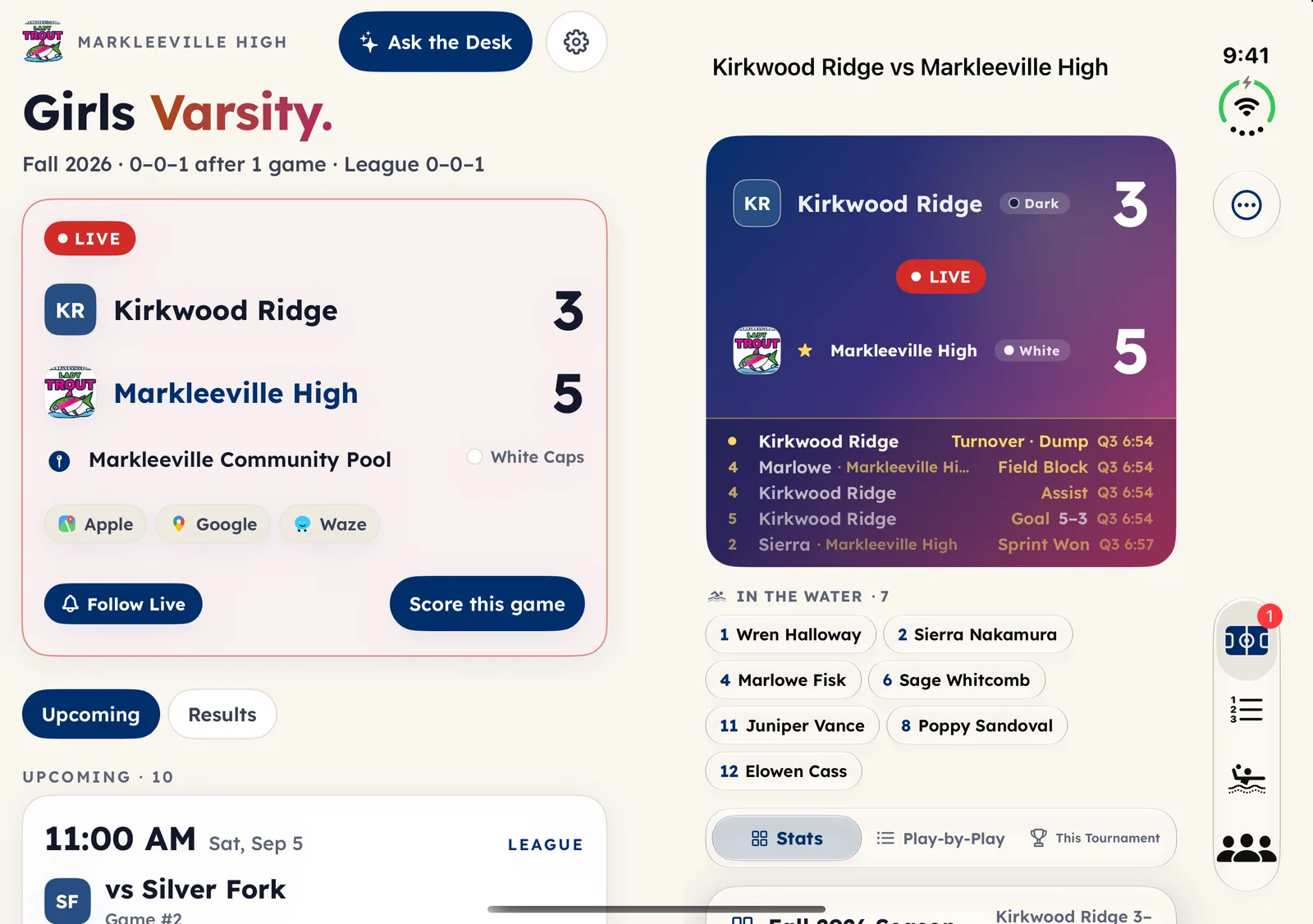
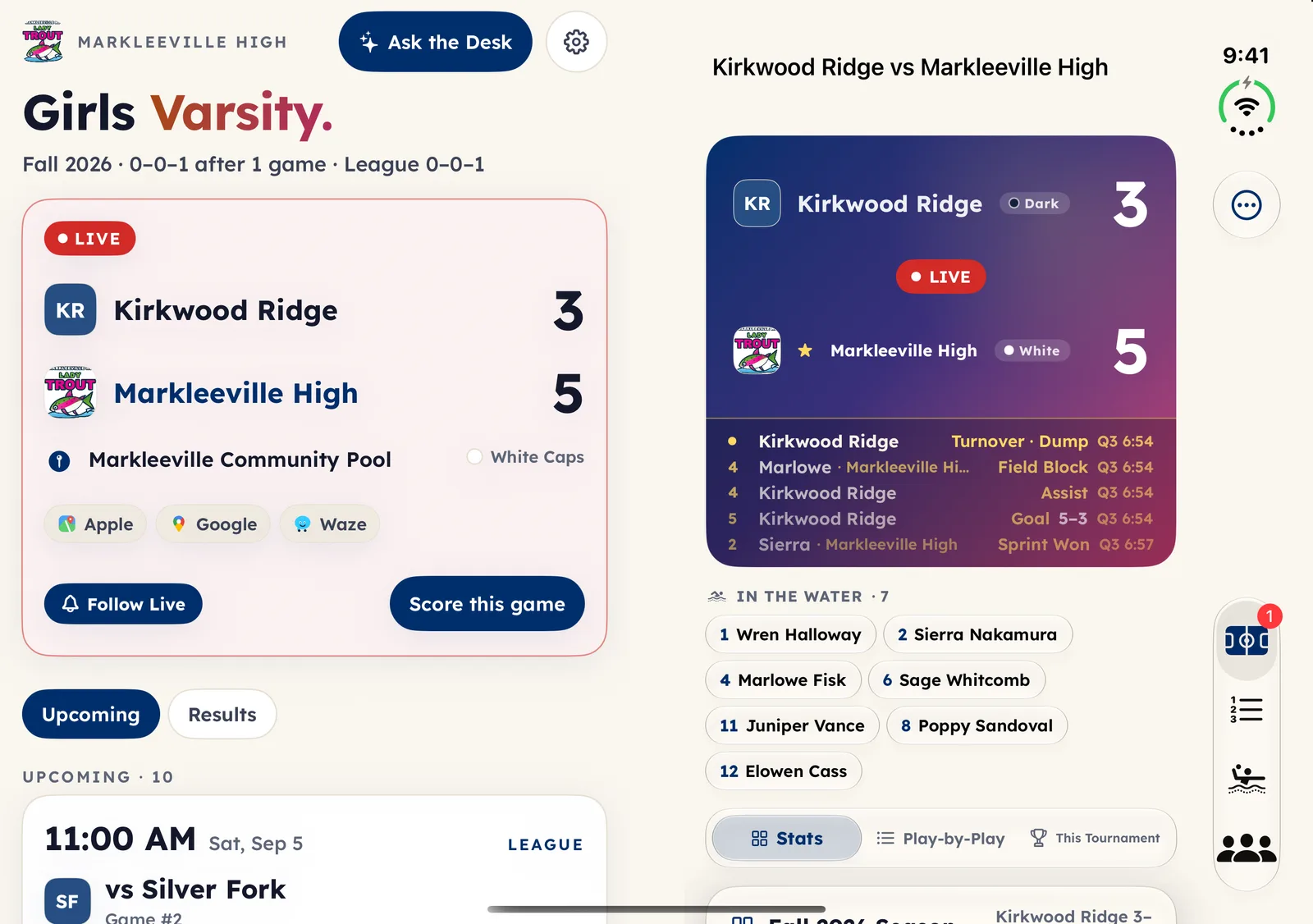
Half open: a gamecast
The Games tab becomes two pages. The left panel keeps the season and the schedule; the right panel is the live game, score, play-by-play and who is in the water, with no tap at all. Tap any game and the right panel becomes that game.
Laptop: a scorer’s console
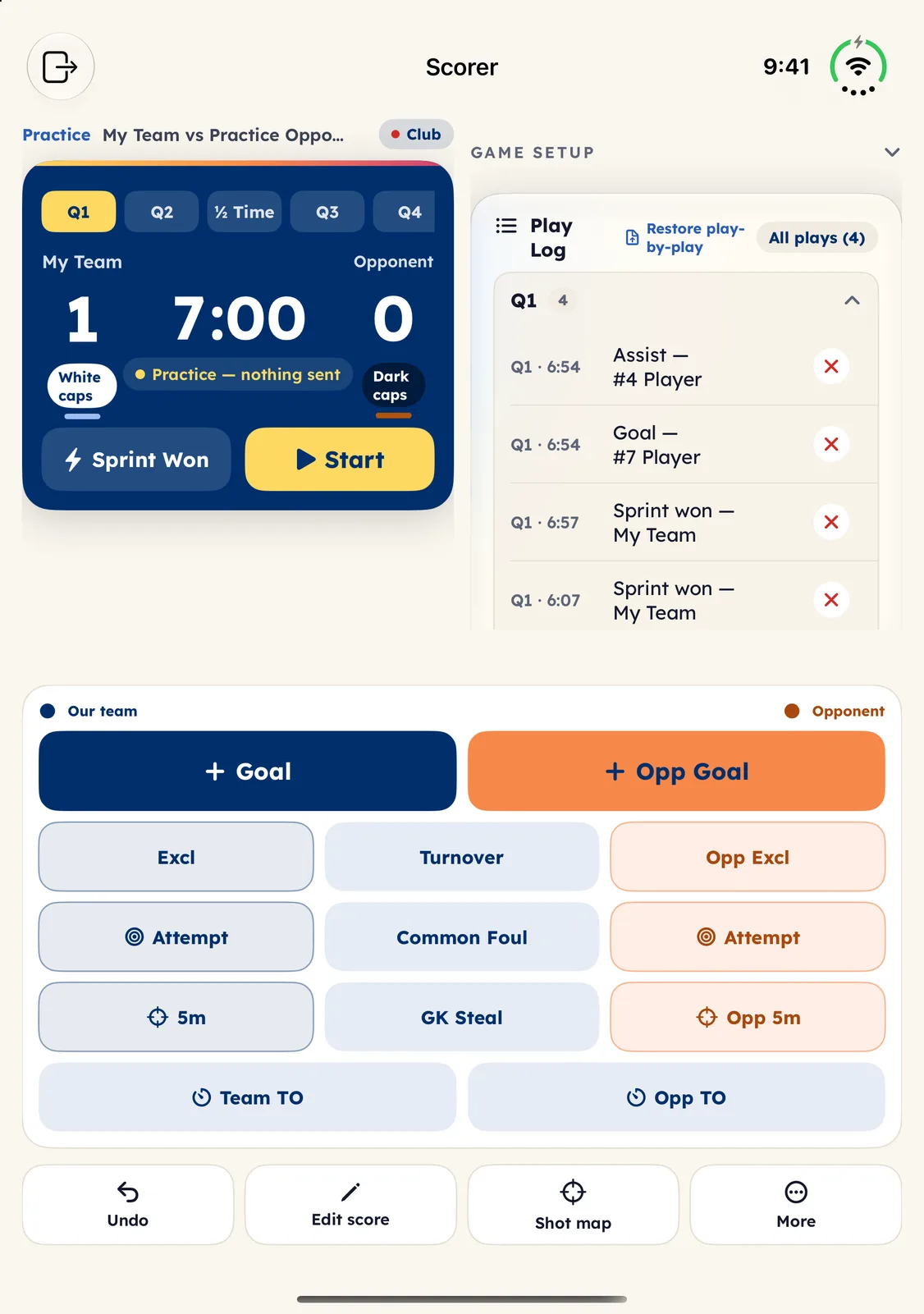
Stand the Duo on the table at the pool and the scoring board becomes a console: the clock, the score and the play log on the upright panel, the Goal, exclusion and timeout buttons flat on the lower one, where your thumbs are.
Watch live, split
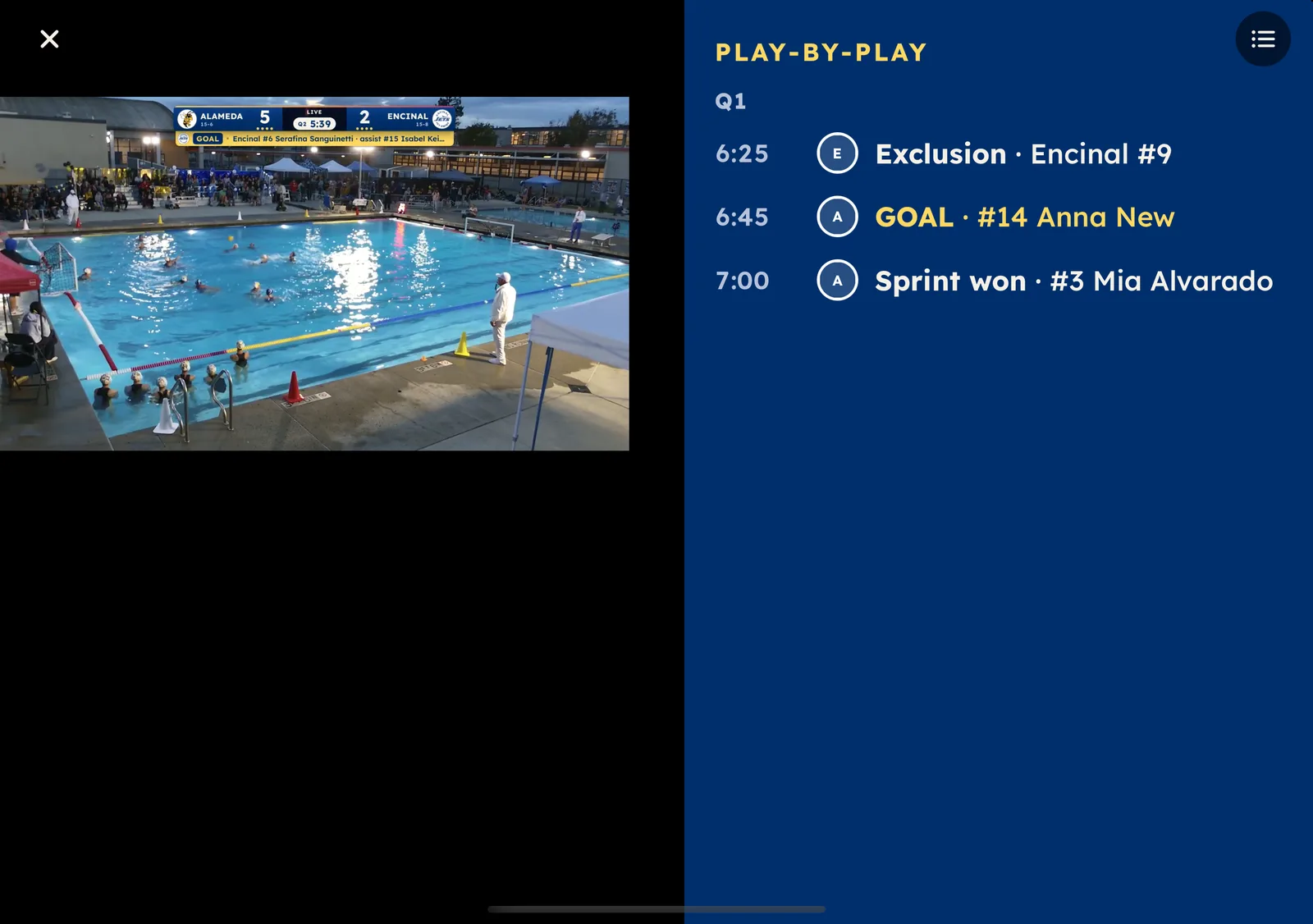
When a club streams a game, the picture takes one panel and the play-by-play the other, so the plays never cover the water. In the laptop posture the picture stands up and the plays lie flat.
What we built
Not a stretched phone app.
The iPhone Duo layouts are their own work, on top of the same app you already have.
Split at the fold
The app asks iOS where the hinge is and lays out around it. A two-pane screen puts one pane on each panel; a one-column screen stays on one panel.
Every tab
Games, Standings, Team and My Player each get a companion panel: the full standings, the roster, a player’s complete detail.
The board, two ways
Half open, the board sits beside its play log. Laptop, the scoreboard stands and the buttons lie flat.
Still one app
The closed outer screen is the phone you know. Fully open, every two-pane layout runs at full width. Same account, same clubs, same alerts.
The fine print
What this is and isn’t
- The pictures on this page are captures of the shipping app on Apple’s iPhone Duo simulator (iOS 27.1), with sample data. They are not renders.
- The Duo layouts ship in Eggbeater 5.5 for iPhone. On any other iPhone the app is unchanged.
- The fold on this page is a drawing. The real hinge, and how the phone feels in the hand, is Apple’s.
Eggbeater on your Duo.
Free for spectators. Pick your club, follow your players, and open it like a book on game day.